Teaching a position
Your SD35/70 system includes the Teach Pointer which is used to teach positions of screws as well as the Bit Changer Station.
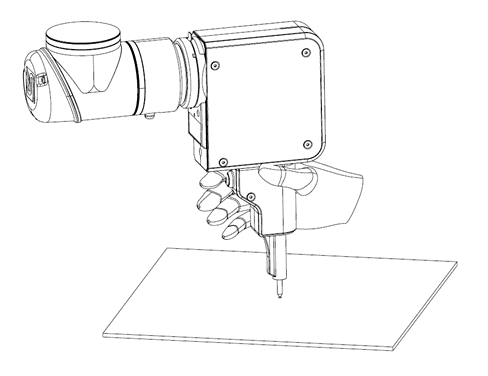
Insert the Teach Pen in the SD35/70 tool.
Manually screw the screw into the object/part. The screw should be in its final target position e.g., assembled product.
Set the robot in to freedrive mode and guide the Teach Pen into the screw head.
Align the SD35/70 tool with screw’s rotation axis (tool perpendicular with the surface).
Record the position.
Note
See the plug-in documantation for your robot to read instructions of how to release and lock the bit, entering freedrive mode, aligning the tool and recording the position.